
Cute Pink Stickers: Free Printable and Digital Stickers

Pink has always been my favorite color.
I have a pink phone, a pink laptop, pink clothes, and a pink car, among other things. And if I ever need to buy something new, if it’s available in pink, I just have to have it.
So when I discovered thousands of people are searching the internet every.single.day for Cute Pink Stickers, I just had to make the first ever ‘stickers‘ article on this website all about … you guessed it … pink stickers.
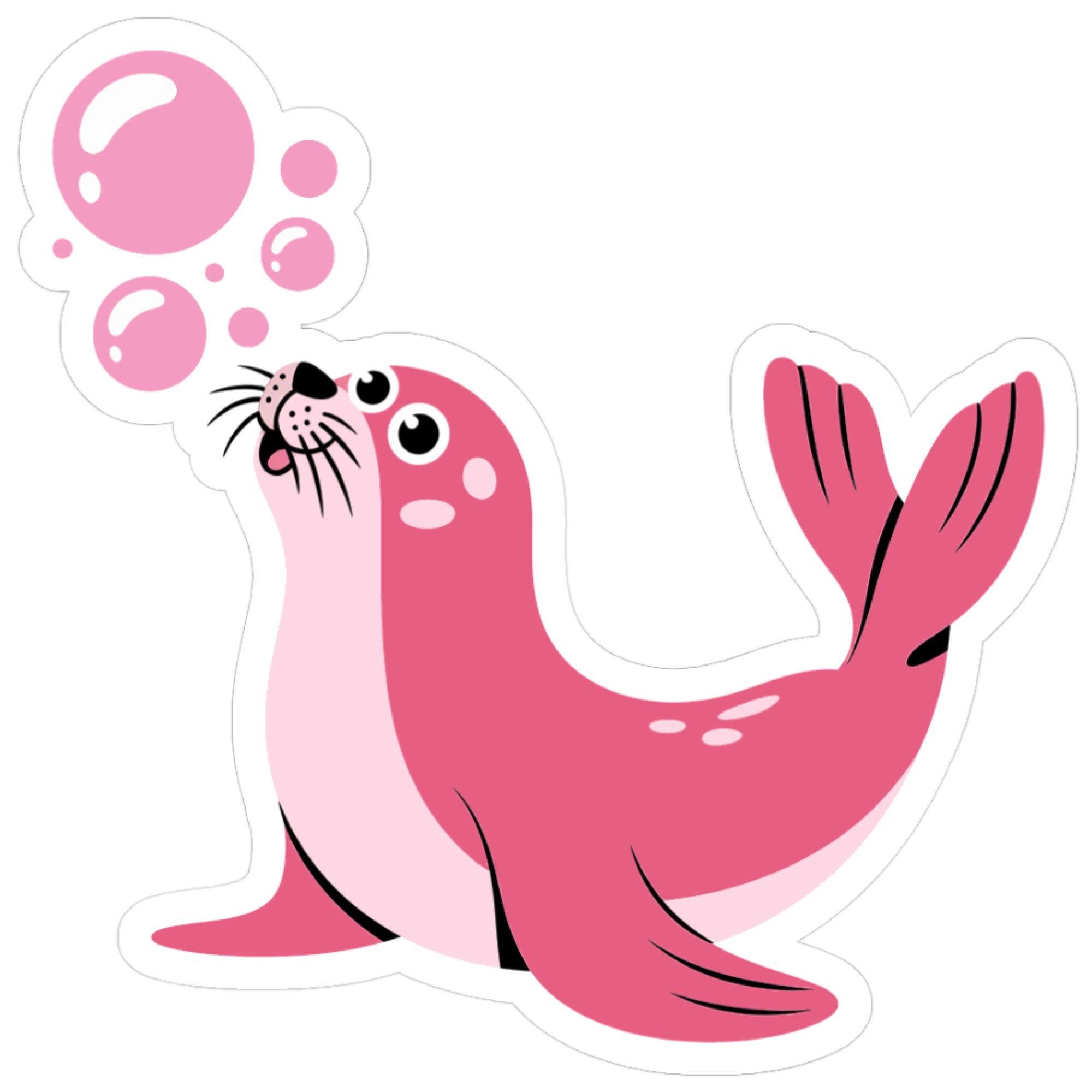
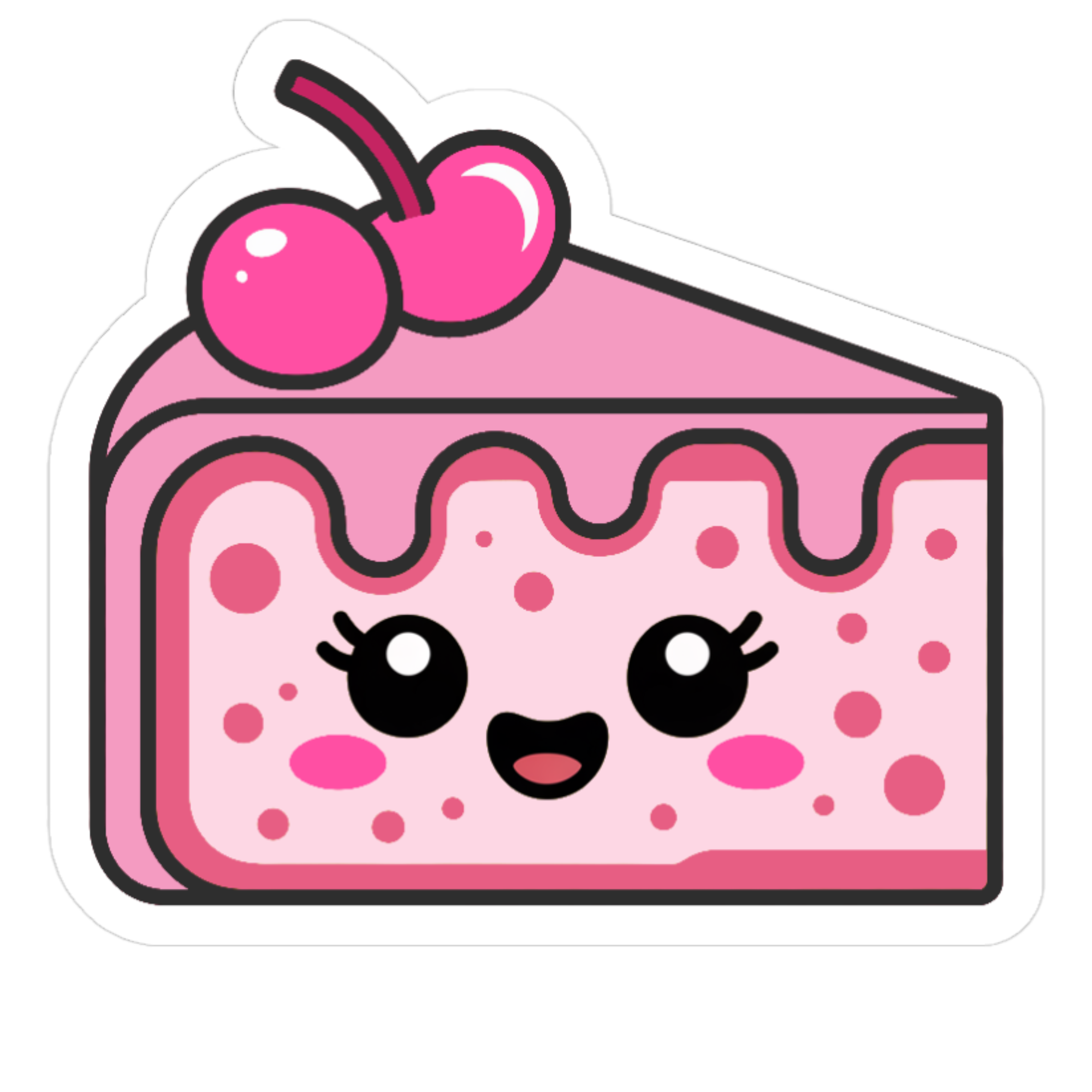
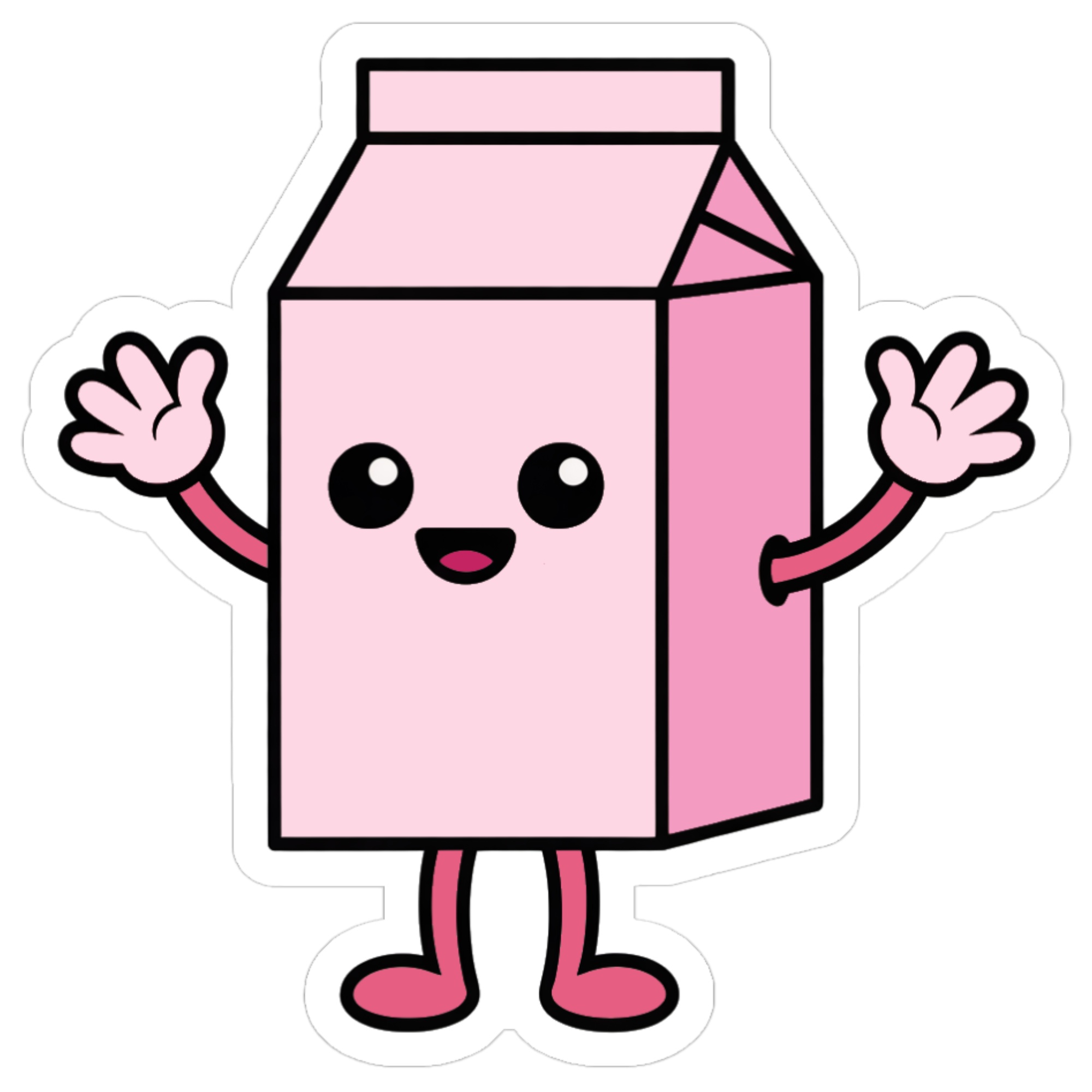
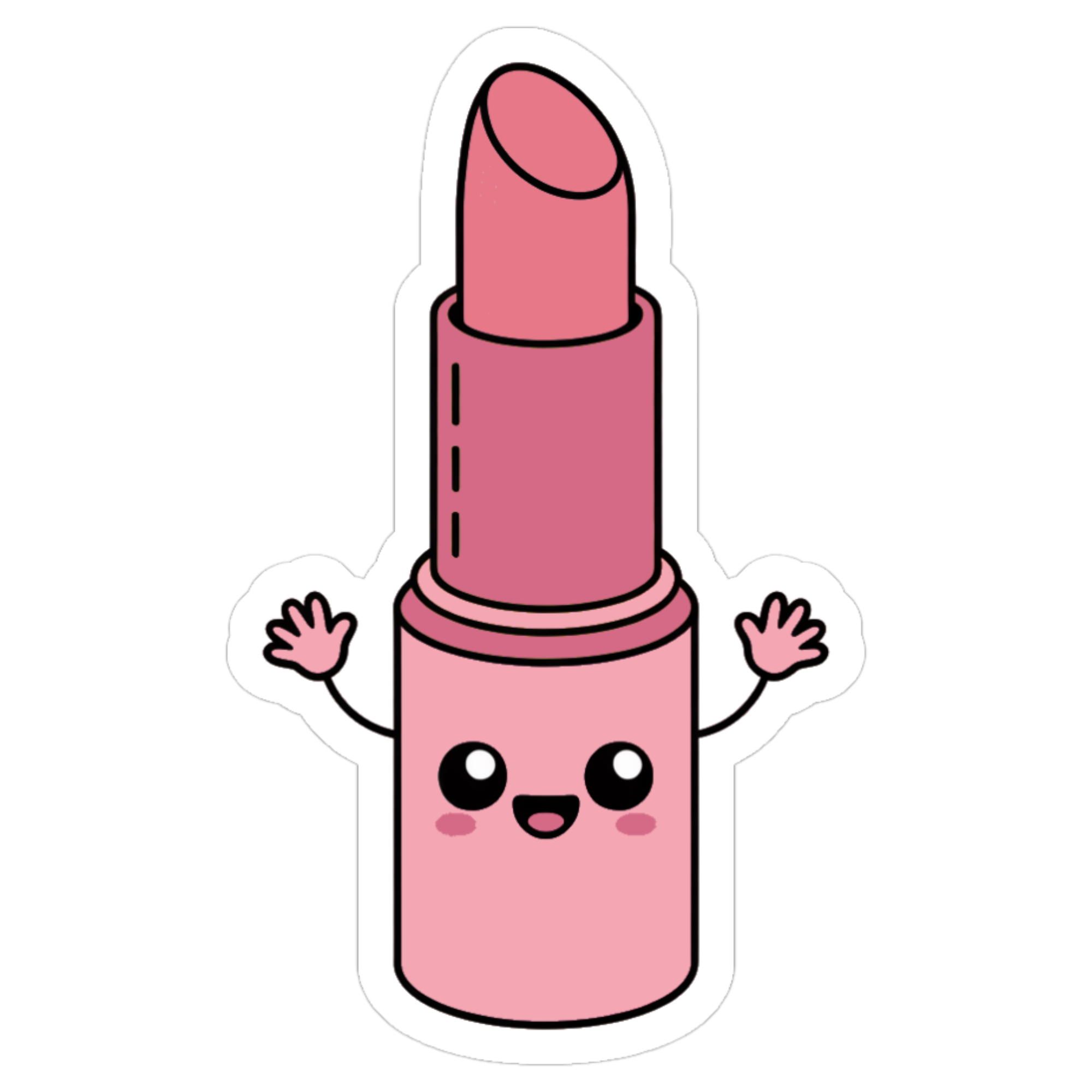
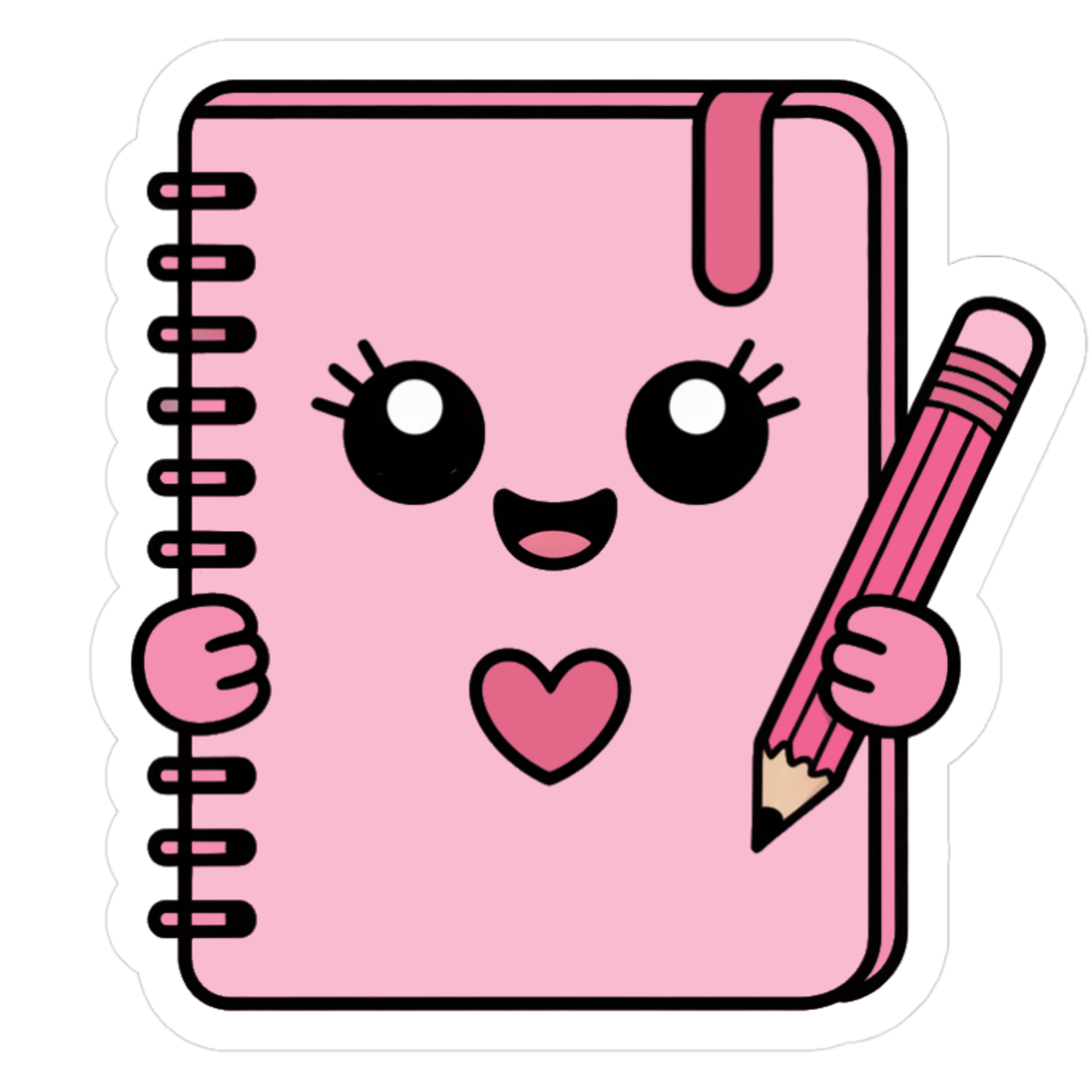
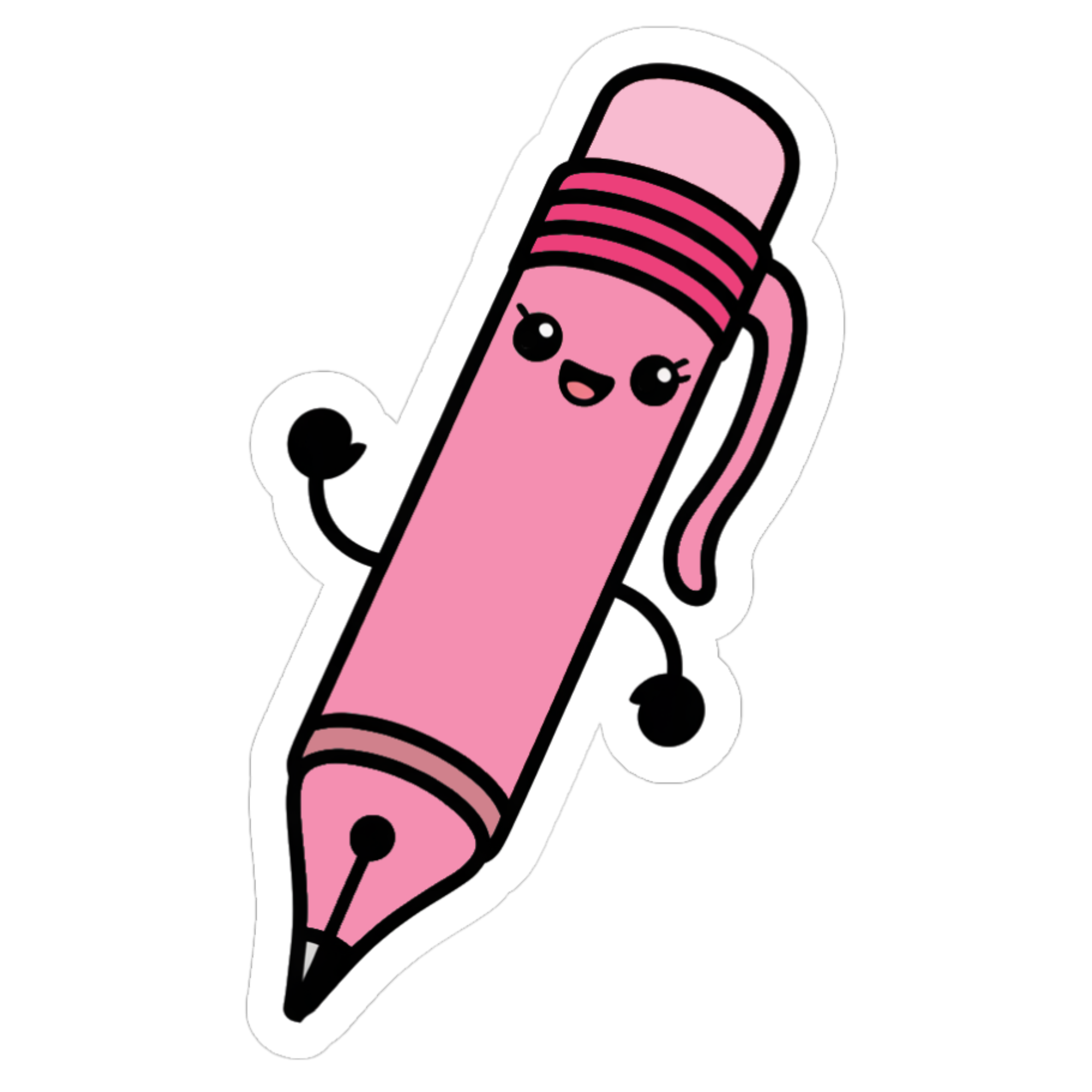
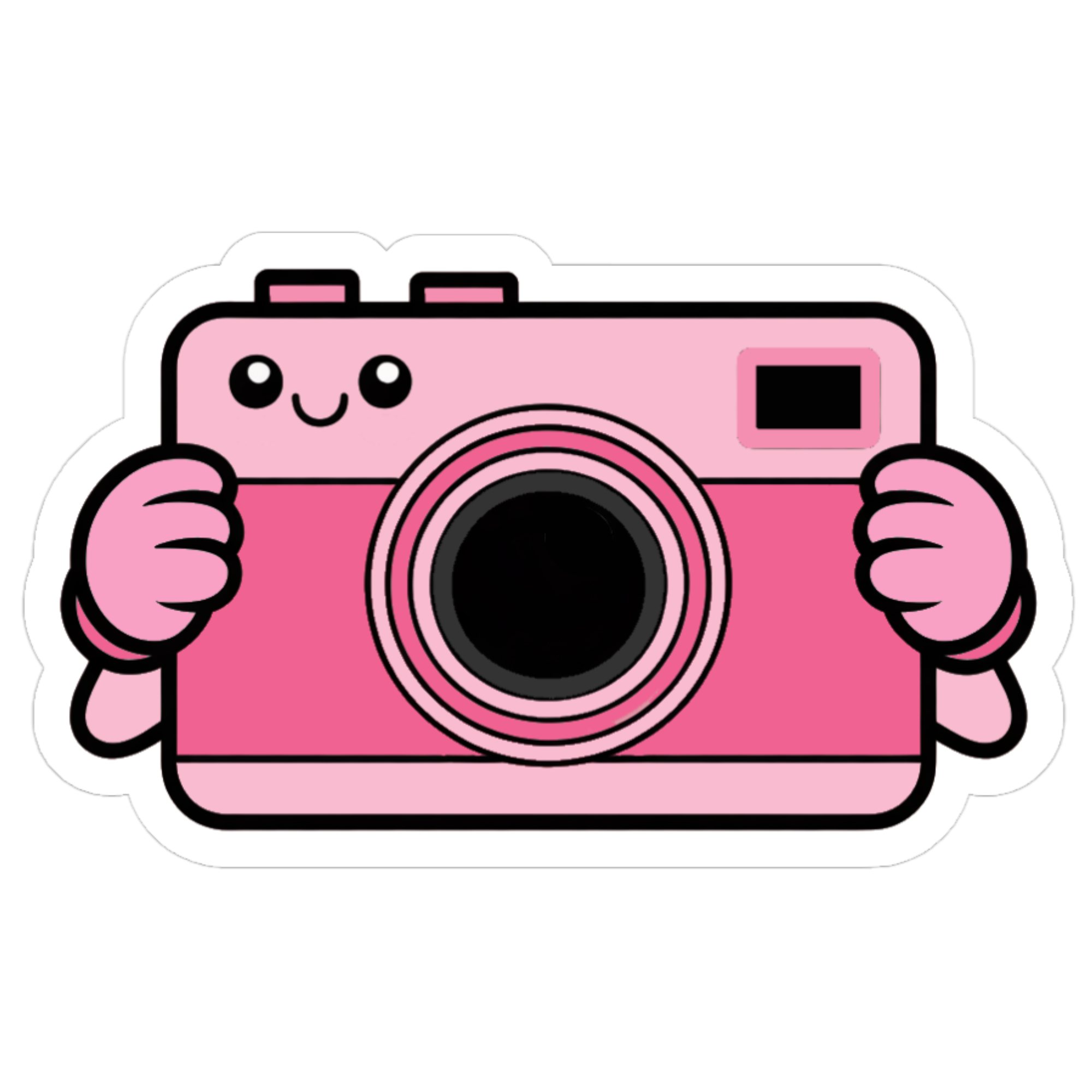
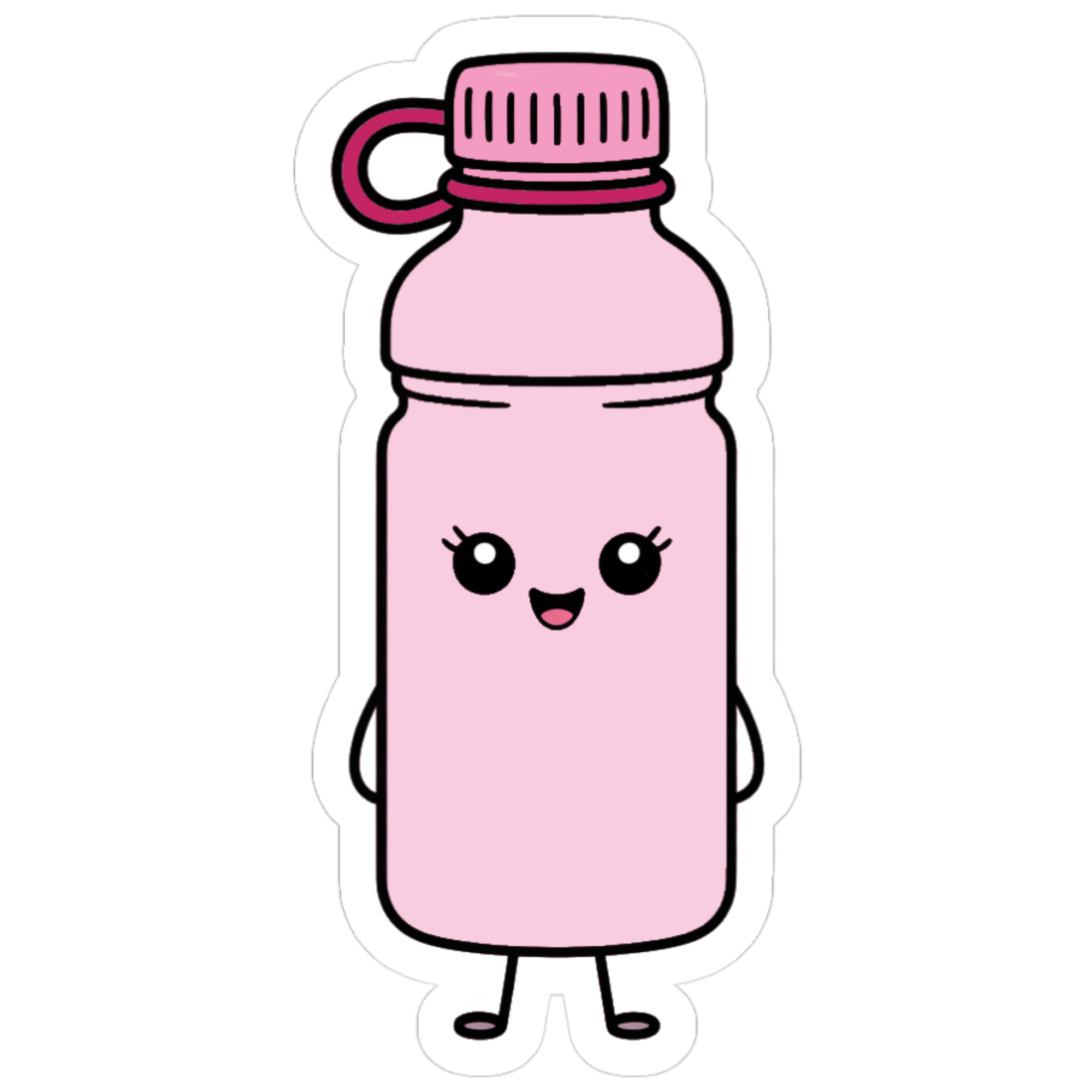
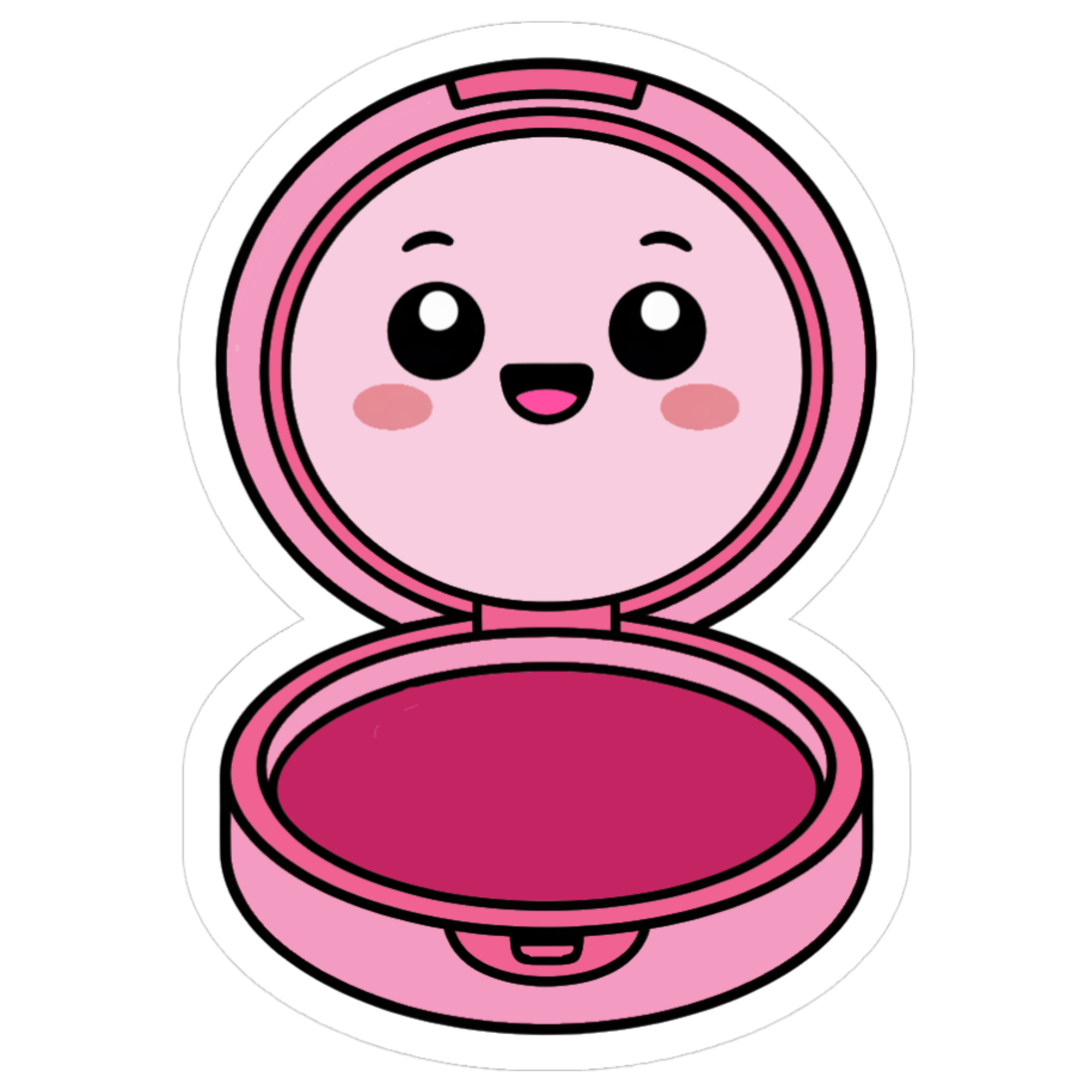
From pink animals to pink foods and everything in between, our printable Cute Pink Stickers are free for everyone to enjoy.
Printing and Cutting Is Easy
You don’t need special skills or expensive tools to get our Cute Pink Stickers!
In just four simple steps, you can turn these transparent PNGs into custom sticker sheets filled with your favorite designs, print them at home, and cut them out any way you like.
Here’s a quick overview.
Step 1: Choose and download the stickers you love
Step 2: Drop the stickers into a Google doc, Word doc, or Canva
Step 3: Print the document on sticker paper
Step 4: Cut with scissors or a Cricut or Silhouette machine
And that’s all. Let’s continue …
See the stickers below and we’ll walk you through each of these steps, step by step.
But first …
Terms of use: These stickers are for personal use only. You’re welcome to print them for yourself, family, or friends. But please do NOT resell, redistribute, or modify them in any way for commercial use.
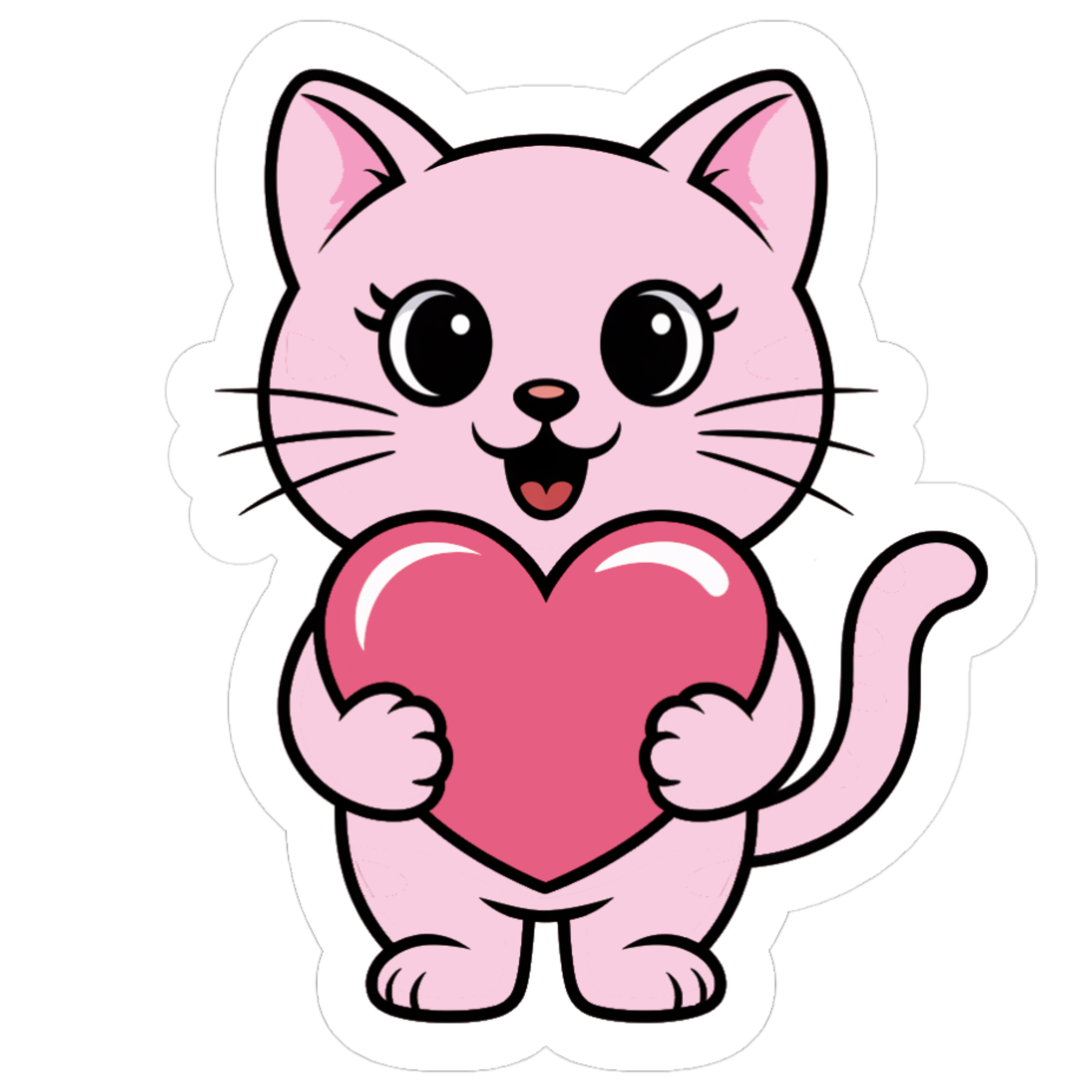
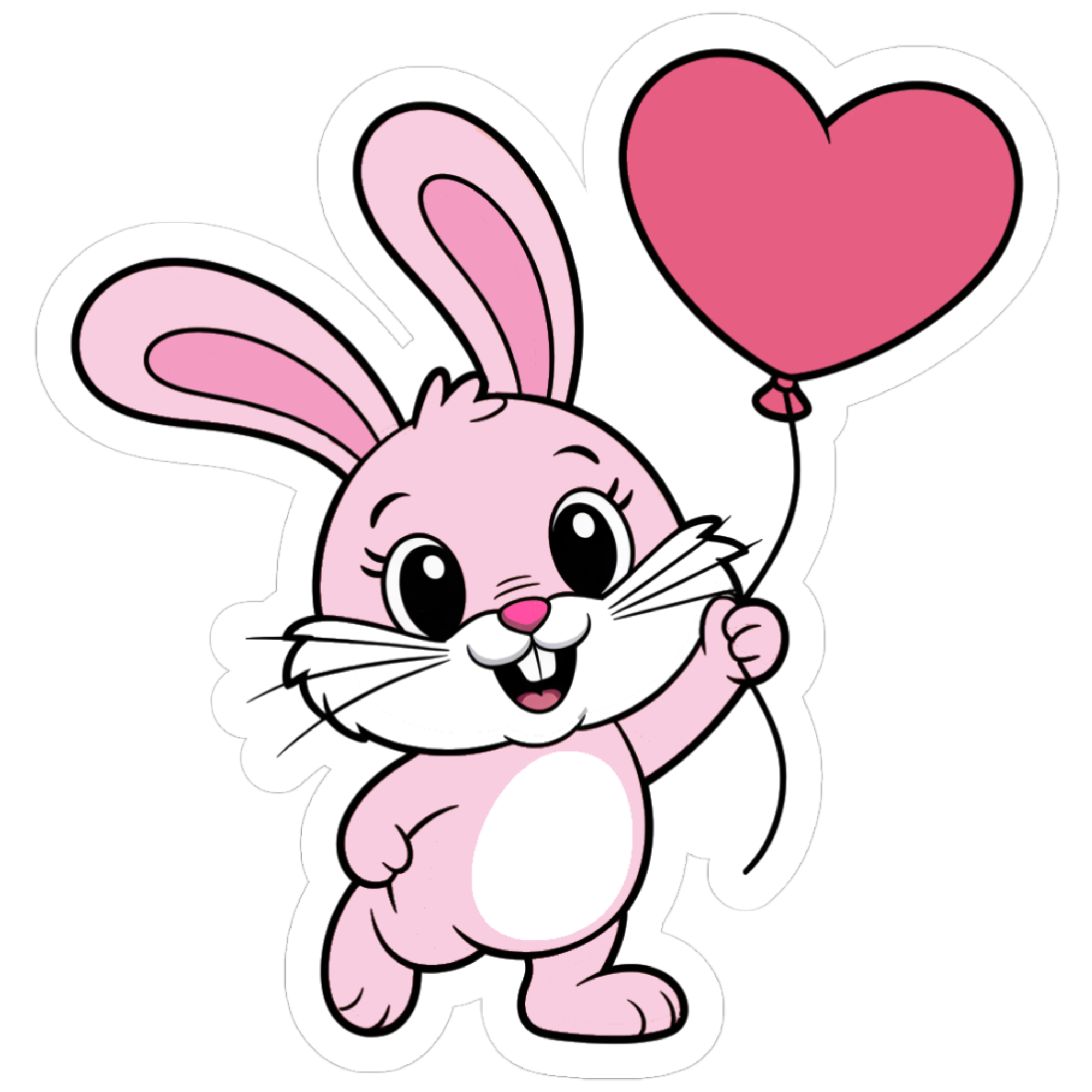
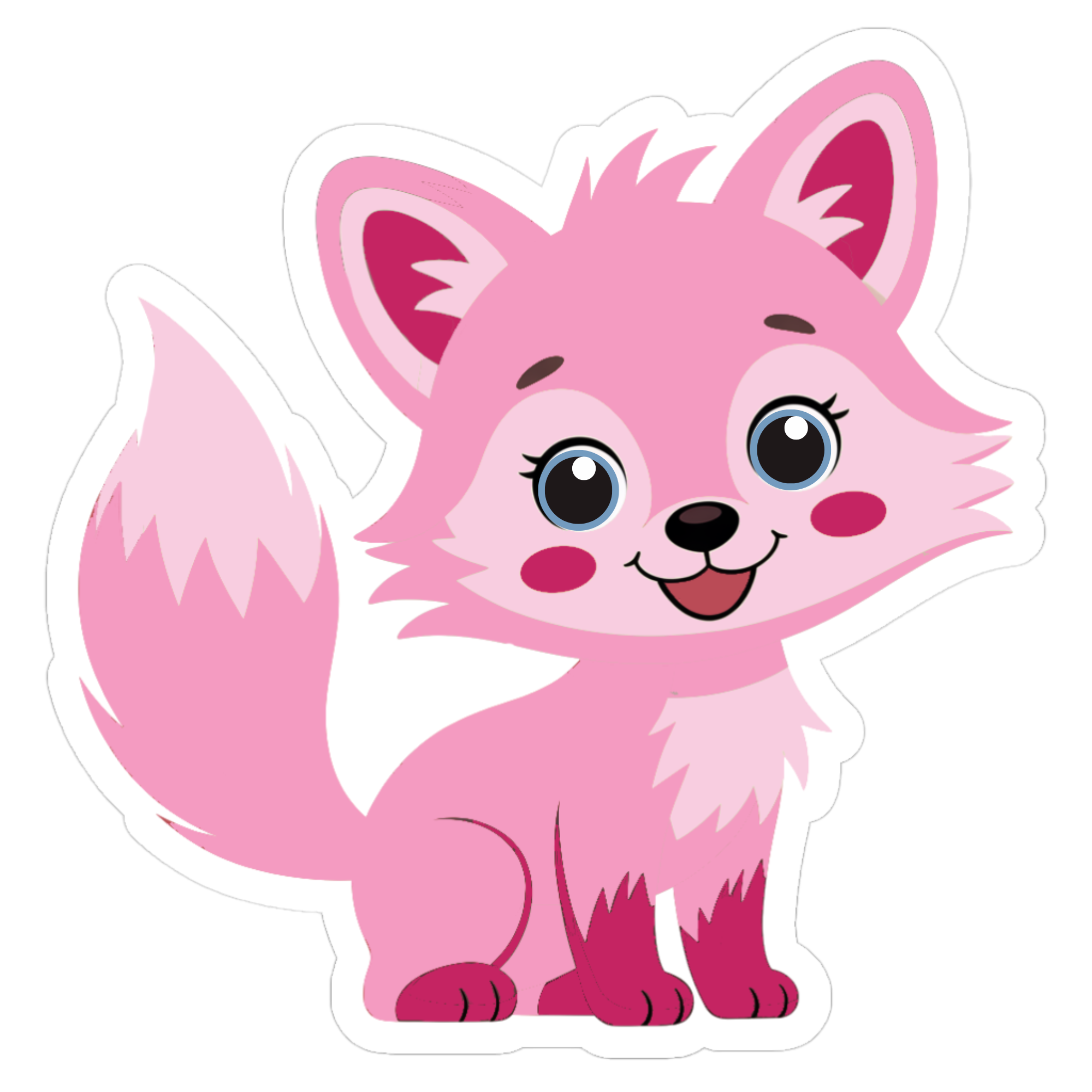
Free Printable Cute Pink Stickers
Browse and download the stickers you love. For download instructions, see the section below on creating your custom sticker sheets.



















More Free Printables (don’t miss out)
Right now, Printable City is just getting started, and we’re working hard to create premium, high-quality printables for the whole family to enjoy – all beautifully designed and 100% FREE.
Join our email newsletter and we’ll let you know when we share new free printables on the blog, including printable stickers and coloring pages, and ‘subscriber-only’ offers.
Create a Custom Sticker Sheet
It’s true.
We could have just added all of our pink sticker designs to pre-filled sheets for you to simply download, print, and cut.
But where’s the fun in that?
It’s also a complete waste of sticker paper printing the designs you’ll likely never use.
So it’s decided.
Creating custom sticker sheets filled with your favorite Cute Pink Stickers is so much more fun (and practical). Let’s continue.
Choose your favorite stickers from our library of designs above and download them to a folder on your desktop. To download a sticker, just click it, and the high-resolution PNG file will open in a new window. Right click the file and select ‘save as.’
Now, open a Google Doc, Microsoft Word, or Canva, import the stickers and add them to a page (we recommend no more than 10 stickers per page).
And don’t worry. There is no right or wrong way to do this!
Arrange the stickers any way you like and feel free to resize them. The PNG files can be scaled up or down without losing quality.
Printing Your Stickers
Once your custom sticker sheet is ready, it’s time to print.
You don’t need to use a professional printing service or own some fancy, high-tech machine – any basic Inkjet printer will do.
But using high-quality sticker paper does make all the difference!
We recommend full-sheet Matte sticker paper. It’s easy to print on, cuts smoothly, and has a clean non-shiny finish that looks great in planners, journals, and scrapbooks. But if you prefer stickers with a bright vibrant look, use glossy paper instead.
Either way, sticker paper typically comes in two standard sizes: US Letter (8.5 x 11″) and A4. So before printing, make sure your document size and printer settings match the paper size to ensure nothing gets misaligned or cut off when you print.
Also, in your printer settings, choose the highest print quality available.
Cutting Your Stickers
Cutting your pink stickers is super simple. You can use a pair of scissors or a craft knife and cutting mat – both will give you super-clean smooth edges.
You can also cut them with a Cricut or Silhouette machine.
If using a machine, just load your printed sheet, set up a ‘print then cut’ project, and the machine will trim around each design automatically.
Easy as 1 2 3, right?
Using the Stickers Digitally
All of our Cute Pink Stickers are saved as high-resolution PNG files with transparent backgrounds… so they can be used digitally… and on any background color.
All you have to do is download the ones you want and import them into your favorite app, such as Goodnotes, Notability, Xodo, or Canva.
From there you can move, resize, and duplicate the PNGs anyway you like.
Use the stickers to add color and personality to any page! They look great in digital planners, journals, scrapbooks, vision boards, and more.
How to Get the Pre-Filled Sheets
For many people, creating custom sticker sheets is fun… but it’s not for everyone… and that’s okay.
Pre-filled sticker sheets you can quickly download, print, and cut are convenient for those of you who don’t want to… or don’t have time to… mess around with tools like Google Docs, Microsoft Word, and Canva.
If that’s you, let me know in the comments box below and I’ll send you a link to download the pre-filled sheets, ready to start printing right away.
Final Words About Our Cute Pink Stickers
We really hope you enjoy using our cute pink stickers as much as we enjoyed creating them.
You can print and use them to decorate your laptop, journal, water bottle, and more. Or add them to your digital planner and other creative projects. Our stickers can be imported into apps like Goodnotes, Notability, and Canva.
However you choose to use them, please share this post on social media using the buttons below to help us grow Printable City and create more free content like this.
